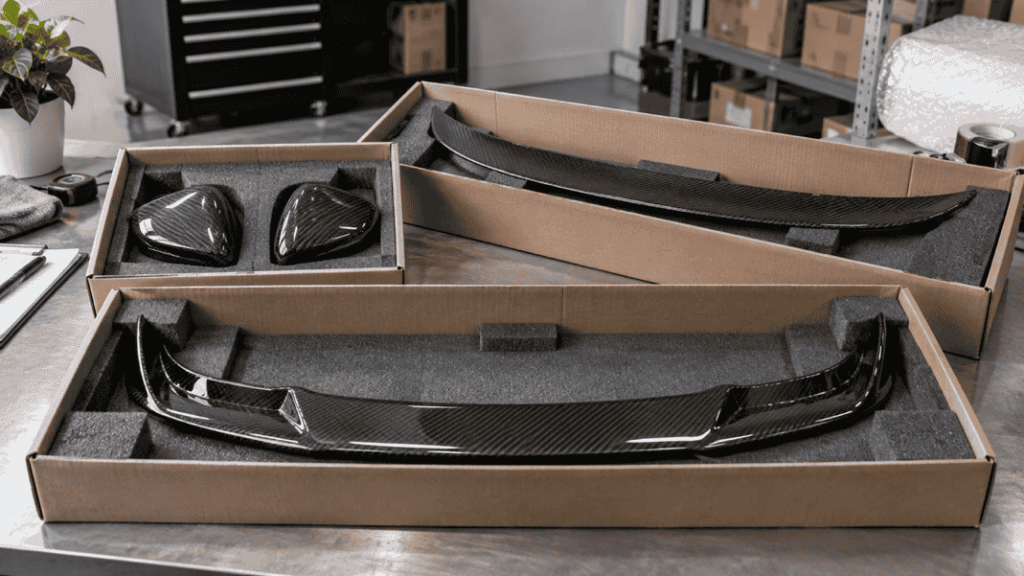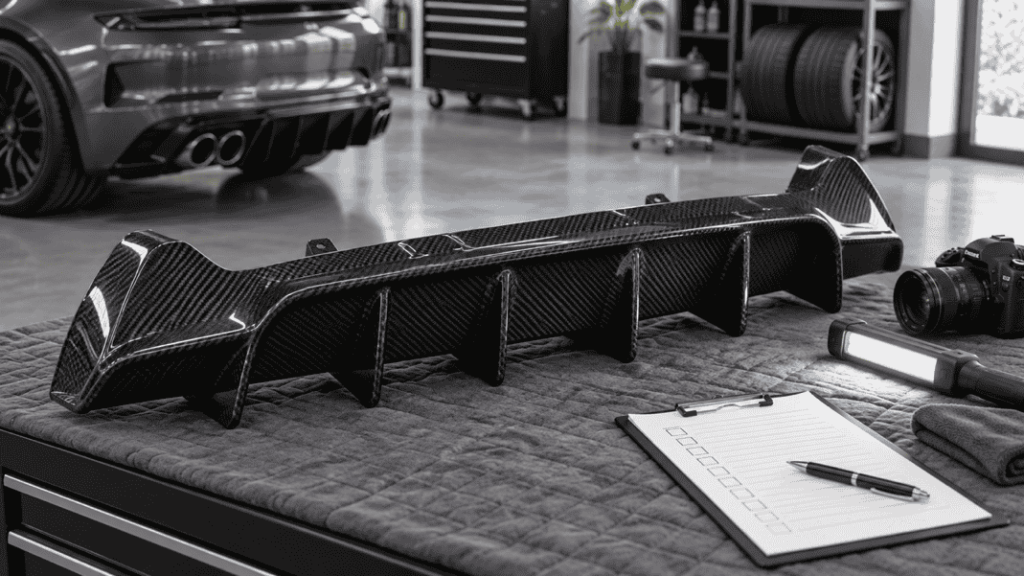

An attractive product photograph can earn a click. It cannot tell your team whether the listing is for a pair, whether a mirror cover is an overlay, or whether the pictured fitting kit is included. Those unanswered details can follow the order all the way to the customer.
Useful carbon fiber dealer product data connects a stable product reference to verified fitment, construction, finish, package contents, installation information and current commercial status. Keep unknown fields explicit and retain the source and revision behind each important claim.
Request a dealer product-data template before importing another broad catalog into your store. Faster uploading is not progress if your team has to correct the same mistakes after every sale.

AI-generated data-preparation concept; not an actual product database or verified listing.
Separate product identity from sales copy
Start with the actual supplier product reference and your own internal item code. Record the revision or version where applicable, then add a clear human-readable name. Keep these fields separate so a revised title does not break the link to the purchased item.
Do not promote spreadsheet row numbers or automatically added “SKU 2” suffixes into official supplier identifiers without confirmation. A row is a location in a file; it may not be an orderable product reference.
A title should help someone recognize the item. The structured fields should establish exactly what it is. Avoid putting essential exclusions only in a long paragraph that may be cut off during an import.
Minimum fields for a usable dealer sheet
| Field group | Information to request |
|---|---|
| Identity | Supplier reference, internal code, revision and item name |
| Application | Make, model, chassis, body, production scope, required options and exclusions |
| Product type | Front lip, diffuser, spoiler, cover or other precise type; overlay versus replacement where relevant |
| Construction | Confirmed material and process description, not just a visual label |
| Appearance | Finish, weave specification if confirmed, visible surfaces and image references |
| Contents | Quantity unit, components included, transferred parts and separately required items |
| Installation | Product-specific document, hardware requirements and technical support contact |
| Physical data | Product dimensions and weight, measurement scope and units |
| Shipping data | Packed dimensions, gross weight, package count and provisional/final status |
| Commercial data | Currency, ordering unit, MOQ if confirmed, lead-time scope and quote validity |
| Maintenance | Evidence source, reviewer, last confirmation date and change history |
Not every business needs a complex system on day one. It does need consistent definitions. A small sheet with clear fields is more useful than a large file full of ambiguous titles.
Make fitment a record, not a guess
Store the confirmed application for each product. When one part covers several configurations, keep separate application rows linked to the same reference rather than creating an unreadable string of model names.
Record whether the evidence is a supplier statement, a documented trial fit or another identified source. These are different forms of support; do not present a catalog label as your workshop’s own test result.
Keep exclusions close to the main application. “Requires a specified bumper” or “does not cover the listed equipment option” can be more important than another styling sentence. If the production range is unknown, mark it pending instead of filling in every year of the vehicle generation.
Distinguish a pair, a piece and a kit
Mirror covers may be offered as a pair or individually. Side skirts may mean two sides, separate extensions or a different assembly. A body kit needs an itemized contents list.
Assign a clear sale unit and component quantities. If your sales channel uses its own package terminology, map it deliberately to the supplier’s unit so the buyer and purchasing team see the same quantity.
Record whether fasteners, brackets, tape or other materials are supplied, transferred or separately sourced. Do not copy an accessory shown in a lifestyle photograph into the included-parts field without confirmation.
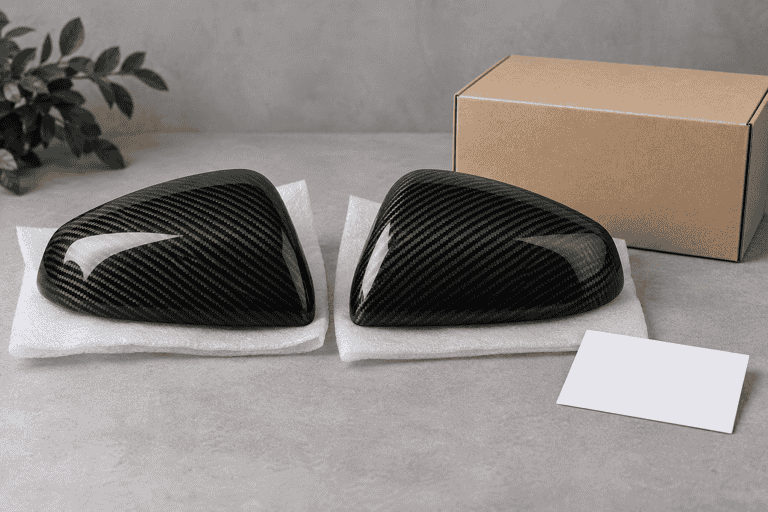
AI-generated documentation concept; the depicted pair and box do not establish actual package contents.
For products sold both separately and as a package, use the kit-versus-individual-parts ordering guide to define the component references behind the storefront item.
Keep dimensions and weight unambiguous
A product’s size is not its shipping-carton size. Store them in different fields, with units and the measurement scope. Distinguish bare-part weight from assembled weight and packed gross weight.
Use explicit entries such as “pending final packing” when dimensions remain provisional. Do not enter zero to satisfy an import field if the value is unknown. That can turn a data gap into an inaccurate freight calculation.
If your platform requires a value before publication, hold the listing or use a clearly disclosed quotation workflow until the information is available. A technical limitation in the storefront does not make an invented number acceptable.
A useful example of a field that must not be omitted is overlay versus replacement mirror-cap construction. Preserve that distinction in the data rather than expecting a sales photograph to explain it.
Treat photographs as controlled product information
Link each image to the correct product reference and version. Include actual exterior, underside or mounting-interface views where relevant. Confirm permission to reuse the assets and keep captions that explain what is shown.
Separate actual product photographs from styling concepts and computer-generated visuals. A concept can support an editorial article, but it should not silently become evidence of included hardware, color, fitment or performance on a product page.
Write descriptive alt text about the visible image. Do not use the alt field to repeat every chassis keyword or add claims the image cannot establish.
Plan for updates before your first bulk import
Name the person or team responsible for approving changes. Track whether a revision affects fitment, contents, finish, instructions or supply status. Update the website, sales sheet and purchasing record from the same approved source.
Availability and price can change faster than the product description. Keep their confirmation date and scope visible internally. A catalog entry is not a live inventory feed, and an old quotation is not a current selling commitment.
Before importing a full range, test a few deliberately different records: one single part, one pair and one kit with an application exclusion. Check the published output and the resulting order record, not just whether the upload completed.
Connect the update process to the wholesale reorder checklist, so a changed finish, attachment or accessory list is reviewed before the next purchase is approved.
Where ACES and PIES fit
The Auto Care Association distinguishes ACES application data from PIES product information. They are relevant when trading partners require those automotive aftermarket data standards.
A basic dealer worksheet is not automatically an ACES or PIES feed. Confirm the receiver’s format, licensing and validation requirements before promising compatibility. For a smaller direct-sales operation, the immediate task may simply be agreeing a clear field structure with the supplier and your website team.
Frequently asked questions
Is a catalog PDF enough to create accurate listings?
It can support a shortlist, but may lack structured fitment, contents, dimensions or update information. Request the missing fields before publishing specific claims.
Can I fill missing years from a general vehicle-generation list?
No. Vehicle production years do not independently establish the application range of an aftermarket part. Ask for the product-specific scope.
Should wholesale pricing appear in the public data sheet?
Keep dealer commercial information in the appropriate private channel. Public product content and confidential purchasing terms can share an item reference without sharing every field.
What is the most useful first step?
Choose a small set of intended products and ask the supplier to complete the same template for each. Review ambiguous fields before scaling the process.
Stop importing uncertainty into your storefront
Send your intended product list and request the data before launching the listings. Ask for the dealer template and available product information, including references, fitment, contents, packing data and images.
Use the product catalog to choose the range and the quote comparison guide to align commercial scope. Publish what you can support, flag what needs confirmation and give your sales team fewer assumptions to defend.