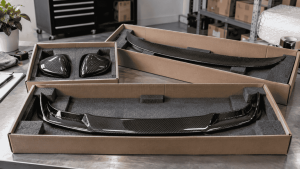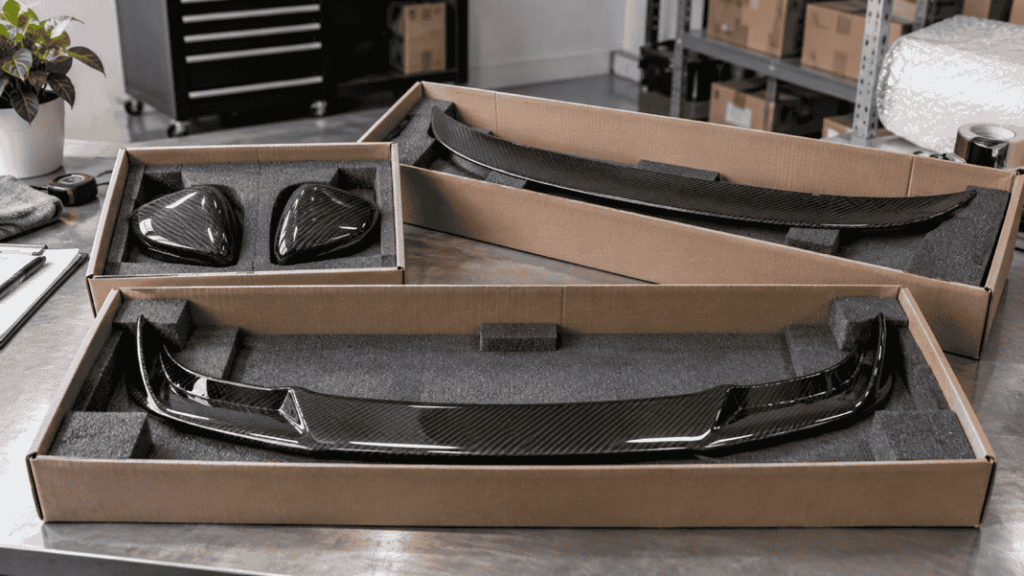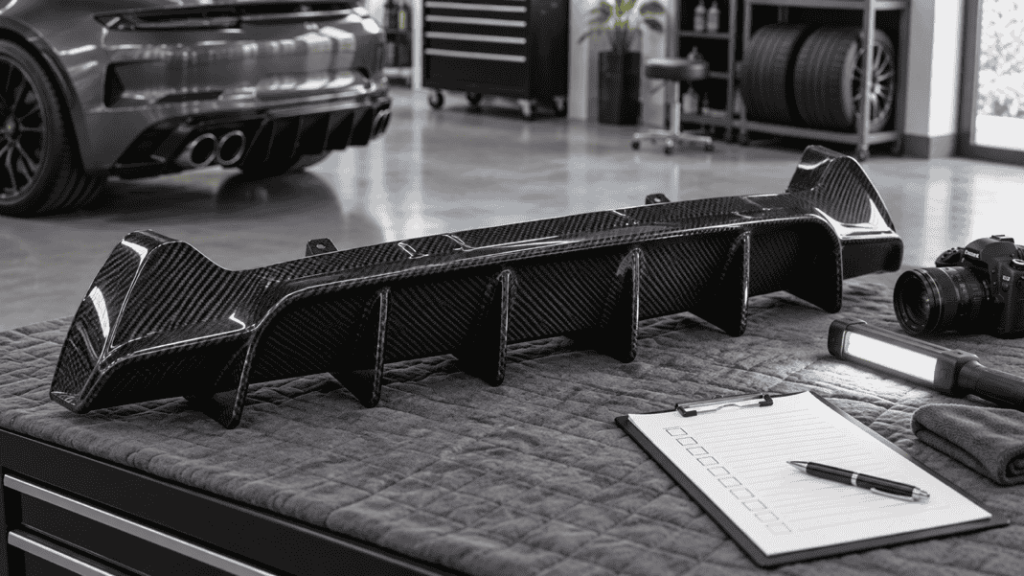
Before selling carbon fiber parts online, reconcile each listing with one current product record. The title, vehicle coverage, sales unit, images and included items should describe the same purchase. A full-kit photograph paired with a single-piece price can create a customer promise that the product data never supported.
Before publishing a carbon fiber listing, reconcile the title, SKU, fitment scope, sales unit, images, included items and fulfillment statement against one current product record. A clean page with an incomplete record is still an incomplete offer.

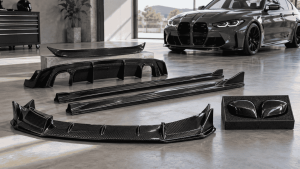
Concept illustration.
Establish one source record
Use the supplier’s confirmed product reference as the anchor. Add your internal item number if needed, but keep the relationship visible in your back-office record. Store the specification version, date reviewed and person responsible for updating it.
The dealer product-data guide explains the fields to collect. This checklist covers the next step: turning those fields into a page a customer can understand without accidentally buying a different configuration.
Check the listing from the buyer’s perspective
| Page element | Pre-publication check |
|---|---|
| Title | Describes the actual part and confirmed vehicle application |
| Product options | Each selection maps to a real, orderable version |
| Quantity | States whether the price covers one piece, a pair or a kit |
| Main image | Makes the supplied product clear |
| Fitment section | States known scope, exclusions and information still needed |
| Included items | Separates supplied hardware from reused or optional items |
| Delivery statement | Reflects the fulfillment arrangement, not a generic catalog claim |
| Inquiry or checkout | Retains the selected SKU and option |
Test every option. Changing a finish or version should not leave an unrelated picture, incorrect piece count or unavailable variant selected behind the scenes.
Rewrite ambiguous language before it goes live
Replace “fits all M3/M4” with the actual confirmed scope for the selected product. Replace “complete kit” with a component list. If installation hardware is not confirmed, do not say “everything included.” If the product requires a quotation, do not disguise that status with a fictitious price.
Distinguish a carbon overlay from a replacement component. Do not convert a style descriptor into an assertion of genuine factory manufacture or official affiliation. Material and manufacturing statements should come from the product specification, not from the appearance of a black woven surface.
Make the images answer questions
Select an overview, the reverse side and useful interface details where available. If an installed image shows additional products, caption what the customer is buying. Obtain permission for the images and preserve any agreed branding requirements.
A showroom image can provide context, but it should not be the only way to identify the part. Avoid using an unverified styling concept as the principal evidence for a specific SKU’s shape or fitment.
Add a comparison card when customers must choose a style
A product listing and a style comparison have different jobs. The listing defines one purchasable reference; the comparison helps a customer choose between references. Keep the two connected so a visitor can move from the preferred appearance to the correct product record without searching the whole catalog.
Use one card per actual option. Put the product name, a clear image and the meaningful difference at the top. Under it, show the confirmed application, sales unit and contents. If an application still requires review, make the inquiry route explicit instead of displaying an unsupported fits-all statement.
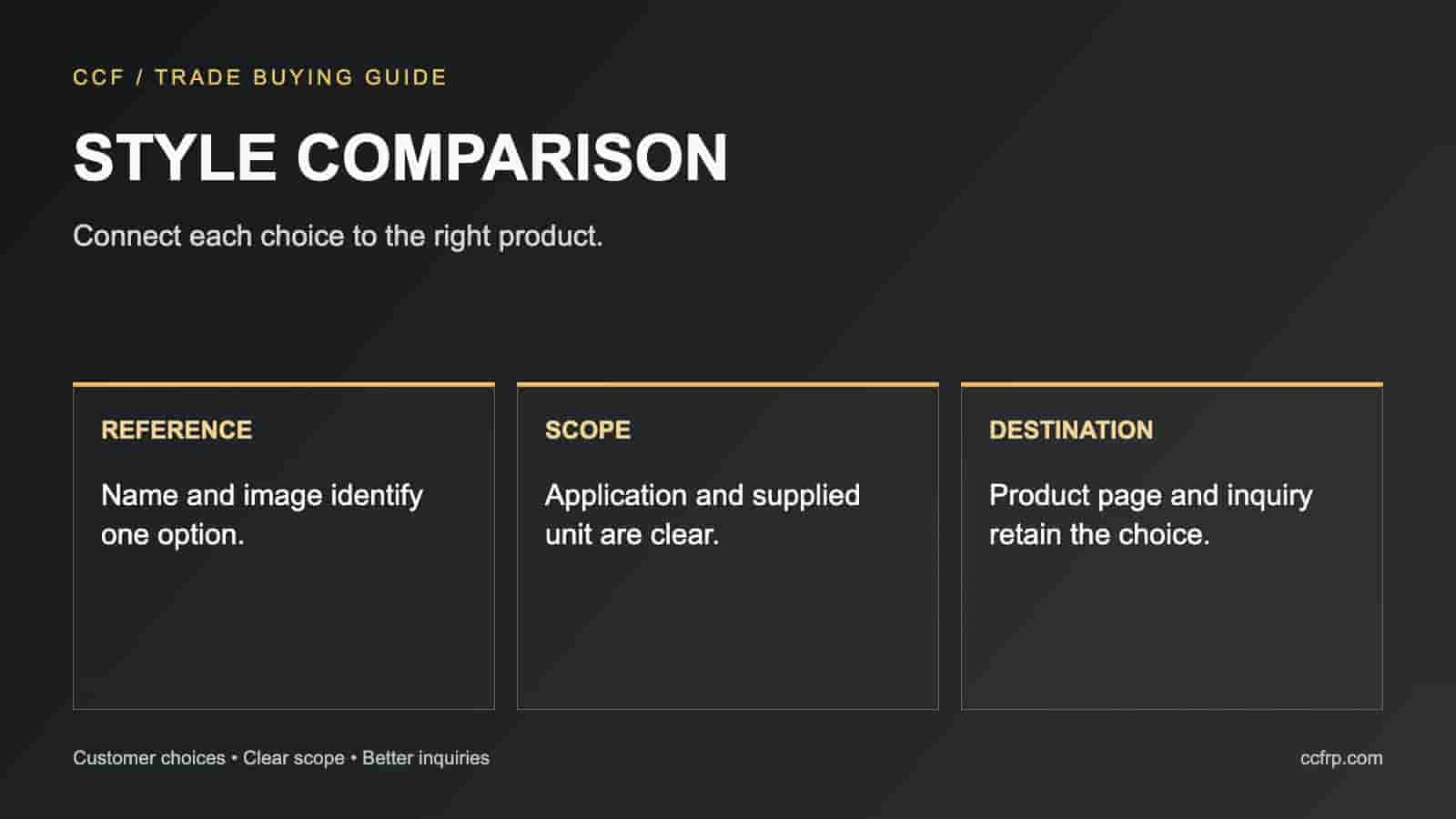
| Card field | What the buyer should see | Release check |
|---|---|---|
| Option identity | Exact product name and reference. | Does the link open that same reference? |
| Visible difference | Profile, component coverage or another supported distinction. | Is it visible in the selected image or stated in the source record? |
| Supplied unit | One side, pair, sections or another defined scope. | Does the card match the product page and quote record? |
| Application status | Confirmed scope or a clear review request. | Have unverified vehicle ranges been removed? |
| Next action | View this product or request this reference. | Does the inquiry retain the selected product identity? |
Example: two front-lip references, not one ambiguous package
The G80/G82 three-piece CSL-style front-lip reference and V-style front-lip reference should have separate product destinations. Do not use one card’s photograph with the other card’s link, or imply that viewing the pair means both are supplied.
Present comparable views where available. A detached-part photo can establish a reference’s visible shape, while a suitable installed photo supplies appearance context. If the two photographs show different supplied arrangements, explain that difference instead of allowing the display to imply the packing list.
For an inquiry-based catalog, a clearly named product link and reference-specific inquiry action can be more useful than a price with an undefined scope. Avoid invented discounts or a generic Buy Now action that loses the selected option.
Test the route after publishing the comparison
- Open every card from the customer-facing page, including on a phone.
- Check the destination product name, image and selected variant.
- Start the inquiry and verify that the reference is retained in the message or submitted record.
- Confirm that a discontinued or changed option cannot silently lead to a different product.
Repeat the route check when a product or its URL changes. A polished comparison with the wrong destination creates a wrong-product inquiry rather than a better buying experience.
Run a small pre-publication test
Ask someone who did not write the page to identify the vehicle application, supplied quantity and included hardware using only the listing. If they cannot, edit the page before bringing traffic to it.
Then submit a test inquiry through your own approved test process and confirm the selected product information reaches your team. Check mobile presentation, especially tables and option labels. For individually fulfilled products, align the page with the dropshipping purchasing process.
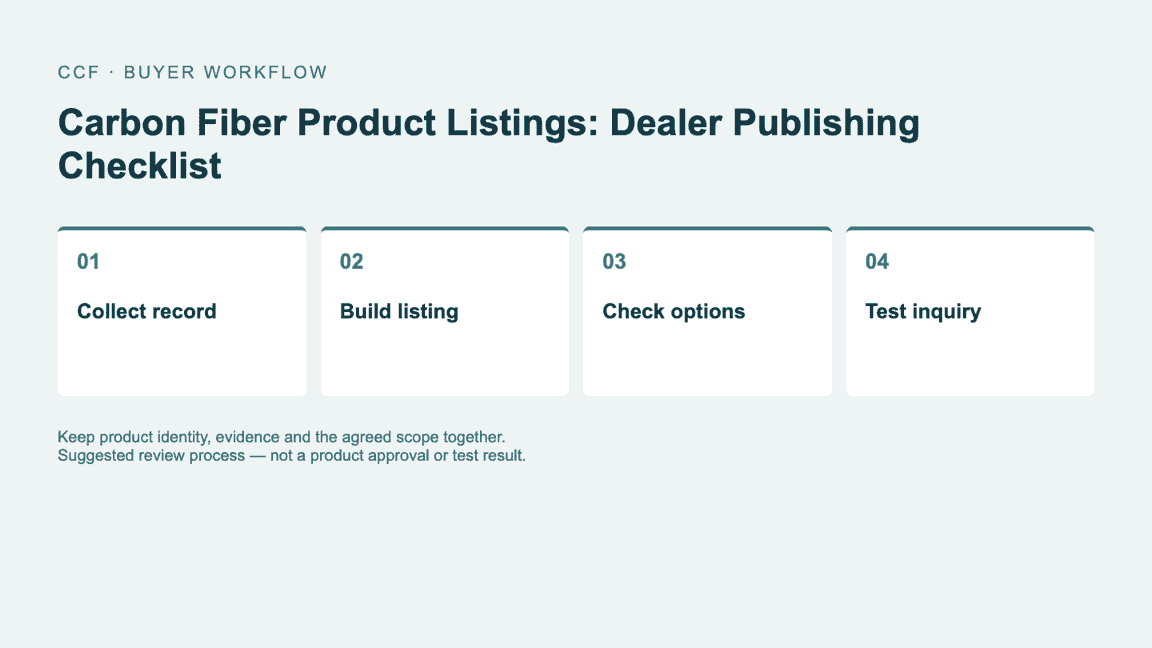
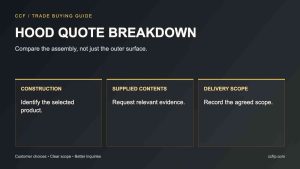
Suggested buyer workflow. Follow the product-specific specification and agreed order terms where applicable.
Worked example: repair an ambiguous listing
Illustrative listing edit. Replace the bracketed fields only after the product record supports them; they are not hidden promises about an actual CCF SKU.
| Record | Example or required entry |
|---|---|
| Before | “Carbon mirror covers for all BMW M cars. Complete kit.” |
| After: product identity | “Carbon mirror cap [overlay/replacement], reference [confirmed reference], for [confirmed application].” |
| After: contents | “Supplied unit: [one left/right pair]. Included: [verified list]. Reused or excluded: [verified list].” |
| After: images | Use the same version in the main, reverse-side and contents images; label optional accessories separately. |
Have a second person read only the revised listing and write down the vehicle scope and items expected in the box. Compare that answer with the source record. If they infer more than you supply, the listing still needs revision. Do not fill an unknown application with a broader model range to attract traffic.
Questions buyers ask
Can I copy the supplier title directly? Use it as a starting point, then verify that the language accurately describes the specific item and the evidence available to you.
What if a specification changes later? Update the source record, product page and affected sales materials together. The reorder guide helps manage version consistency.
For the related buying decisions, see One Piece, One Pair or One Kit? Understanding Carbon Fiber Product Quantities and Carbon Fiber Dropshipping for Dealers: What to Confirm Before Taking Customer Orders.
Continue Your Purchasing Research
Build listings your team can stand behind
Send CCF the product references you plan to list and request the available photos, specifications and application details for those items. Resolve the missing fields before the listing becomes a customer promise.
Send an Inquiry
Include the article title, selected parts, quantity and delivery country.