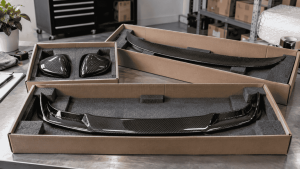
A carbon fiber installation handover should record what the shop fitted, the agreed job scope, the condition at collection and the applicable information given to the customer. Keep that handover separate from installation instructions and warranty terms. A short, specific record is more useful than a generic statement that the build is complete.
This guide covers the shop-to-customer handover after installation. It is separate from the product’s installation procedure, your internal quality checks and any supplier warranty decision. Its purpose is to make the completed job understandable to the person collecting the vehicle.
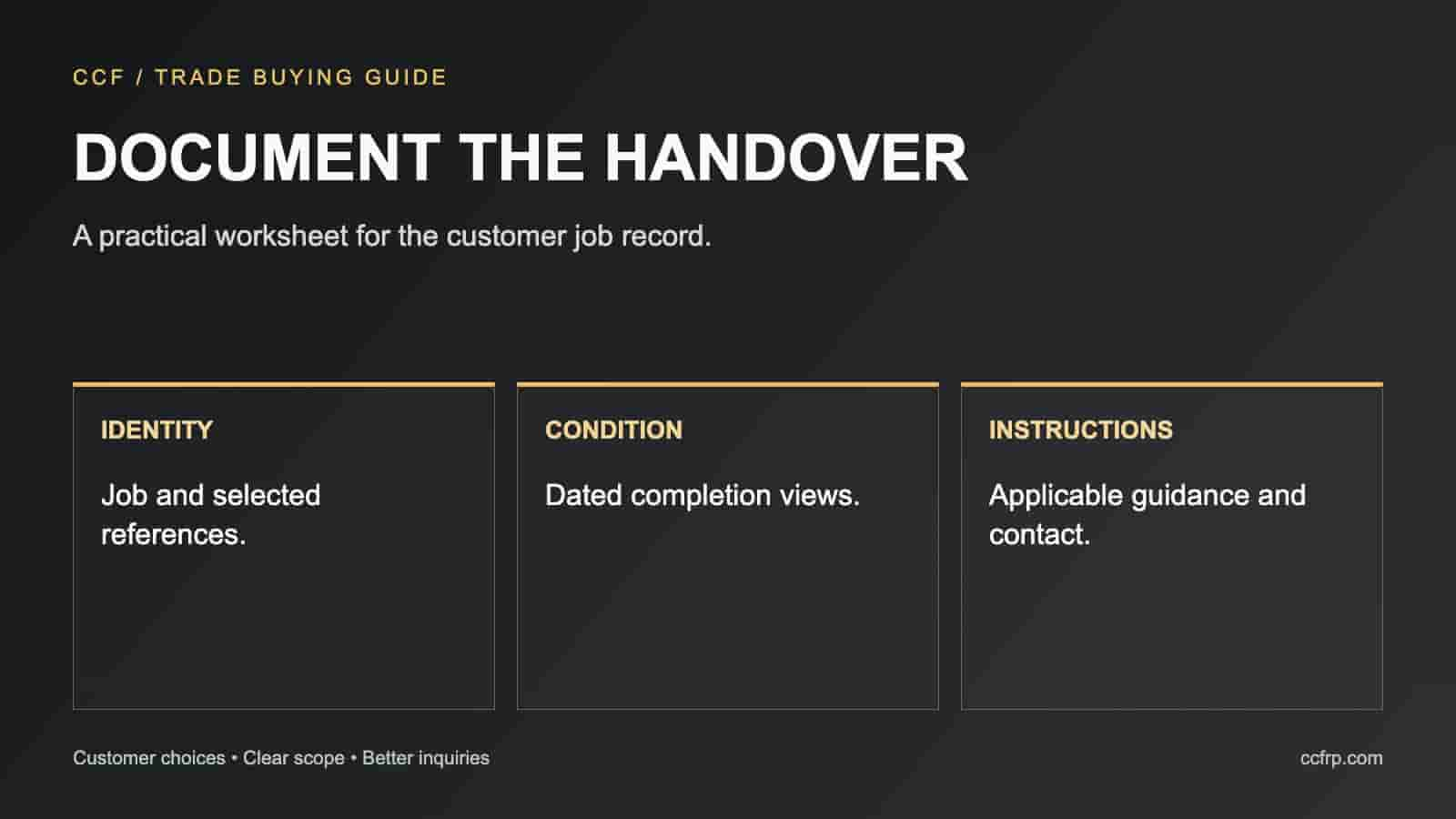
Match the finished job to the accepted order
Start with the approved product list and the final job record. Name each installed component and identify any part the customer chose to retain. Where an approved change replaced an original selection, show the final reference rather than leaving both on the delivery sheet.
Record quantities in a way the customer can understand: one component, a left/right pair or a kit with listed contents. “Carbon package installed” is too vague when a later question concerns whether a spoiler, trim piece or mounting accessory was part of the order.
Take photos that establish the handover condition
Photograph the overall vehicle and each supplied exterior zone in adequate light. Add close views of relevant edges and accessible interfaces where they help show the completed work. Keep the originals in the job record; use edited marketing images separately. If an area cannot be seen in the photograph, do not describe it as photo-verified.
A useful photo label identifies the job, date and view. Follow your privacy practices when storing plates and customer information. Obtain appropriate permission before using a customer’s vehicle or feedback in public content.
| Record | Minimum useful detail | Why it matters |
|---|---|---|
| Installed list | Final selected references and quantities | Defines what the customer received |
| Completion photos | Overall views and relevant close-ups | Records visible condition at delivery |
| Approved changes | Changed scope and approval record | Explains differences from the original quote |
| Customer instructions | Applicable document and revision | Keeps guidance connected to the product |
| Follow-up contact | Who to contact and information to send | Creates a practical support route |
Explain the instructions that actually apply
Give the customer the relevant product and material guidance. If an attachment system has a specified cure or use restriction, communicate the confirmed requirement and its source. Do not invent one waiting period for all carbon fiber accessories or copy an unrelated supplier’s installation instructions.
Explain any agreed follow-up inspection and who arranges it. Distinguish routine care from a reported concern: a customer who notices movement, damage or a change in fit should contact the shop for assessment rather than apply a generic cosmetic repair.
Show how the vehicle has changed
Walk around the car with the customer and point out the newly installed parts. For additions near the lower body, discuss everyday access in terms of the actual installation. Do not promise that every driveway or parking stop will clear because the car passed a stationary workshop inspection.
If a clearance measurement was taken, record the conditions and the measured location. If it was not measured, avoid adding a precise number to make the handover sheet look complete. Honest, relevant observations are more useful than an unsupported specification.
Use a short handover script
“These are the components included in your approved order. These photos record their visible condition today. Here are the instructions that apply to this installation, and here is how to contact us if you notice a concern.” Then give the customer time to identify an unanswered question before closing the job.
Record an unresolved issue separately with the agreed next action and owner. Do not use a collection acknowledgment as a substitute for resolving a known concern. Your internal checks and customer-facing record should agree about the status of the work.
Keep support information easy to retrieve
Save the accepted quote, supplier reference, final installed list and handover photos under the same job identifier. If support is needed later, send the relevant record and new photographs rather than an unstructured message saying that “the kit has a problem.”
The installation quote guide defines the work before booking. The dealer listing checklist helps keep product descriptions aligned with what was sold. For supply-side questions, use the CCF contact page with the specific reference.
Common handover questions
Is this the same as a warranty certificate?
No. A handover record documents the completed job and communicated instructions. Warranty scope should follow the actual agreed terms and should not be expanded by the delivery sheet.
Should the customer receive every workshop photo?
Provide the useful completion views and instructions. Keep additional diagnostic or process records organized internally so they can be retrieved when relevant.
Can these records become a case-study blog?
Yes, with suitable permission and a verified account of the work. Separate the customer’s actual feedback from the shop’s interpretation, and avoid using a single successful job to claim universal fitment.
Continue Your Purchasing Research
Discuss Your Selected Parts with CCF
Send the vehicle details, product links, quantities and delivery country. Request the available product information and a quotation for the selected scope.
Send an Inquiry
Include the selected product references and your question.