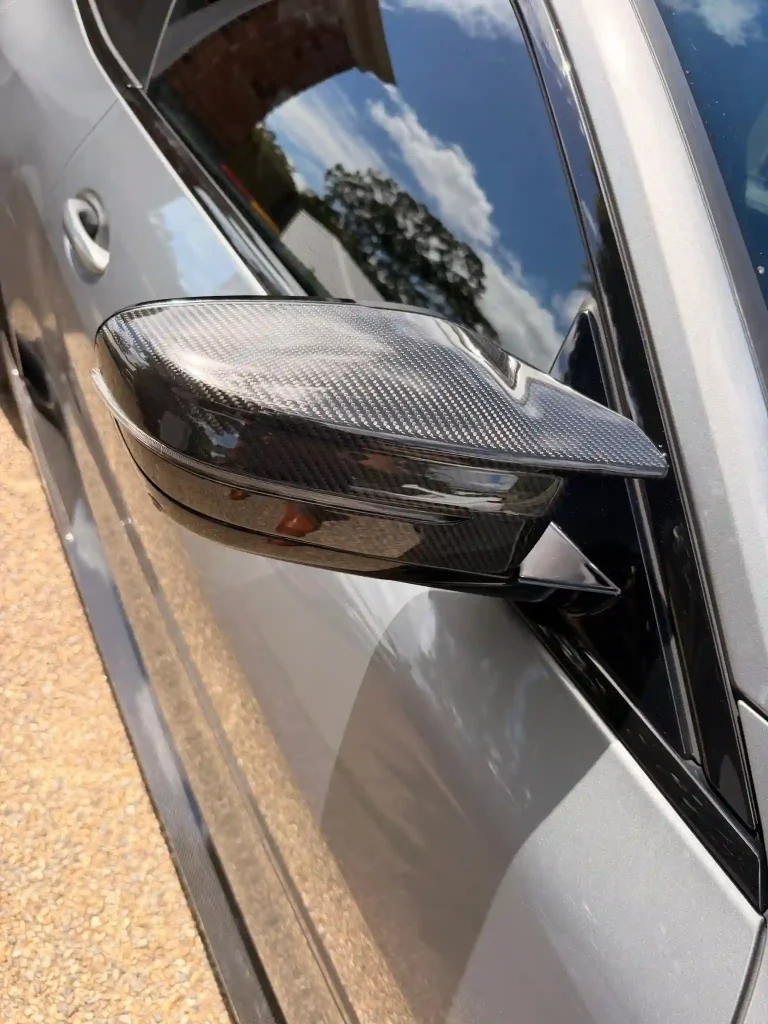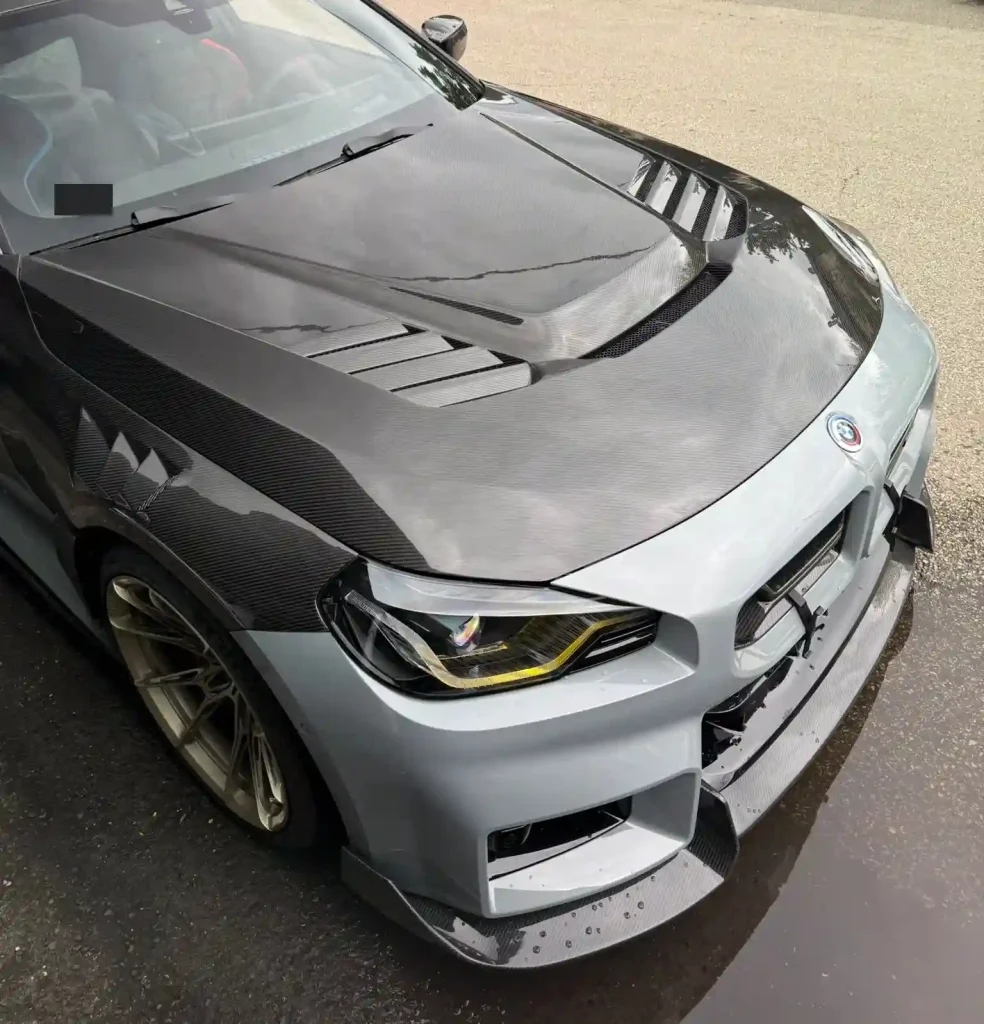
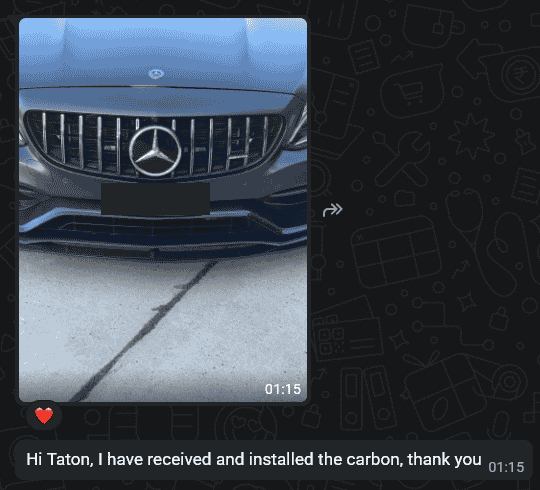
A Mercedes-Benz customer sent a vehicle photograph and confirmed: “I have received and installed the carbon, thank you”. For a buyer evaluating a supplier, this is a concrete customer message about receipt and installation. For a new order, it is still necessary to identify the specific part and vehicle configuration.
What the supplied case shows
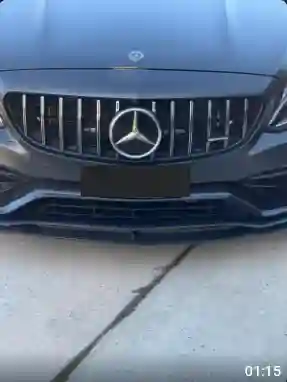
The installation photo on this page is extracted from the same WhatsApp screenshot as the customer’s message. This makes the pairing direct. The original image is small and has not been enhanced with AI. The plate is concealed for privacy.
“I have received and installed the carbon, thank you”
The excerpt does not name the exact component, its SKU or the model year. It should therefore be read as a customer installation confirmation, not a detailed product specification or proof that a similar-looking part fits another Mercedes-Benz.
Why the exact version matters to a shop
When a customer brings a front-view photograph to your shop, it is tempting to ask for “the same carbon part”. That request can leave the supplier guessing about the intended component and the customer’s actual vehicle. Start by marking the area being requested, then add current vehicle photos and model details.
Ask the supplier to identify the proposed item in writing. If the available evidence cannot distinguish two versions, resolve that uncertainty before ordering. A clear question at this stage is easier to handle than a part arriving for the wrong configuration.
Build a useful pre-order brief
- Identify the vehicle: provide its model, model year and body version.
- Show the relevant area: include an overall view and close-ups of the area where the part will go.
- Describe existing changes: note aftermarket bumpers, trim or other modifications near the proposed component.
- Identify the product: request a product reference, available version photos and a description of the supplied contents.
- Clarify installation information: ask what product-specific instructions and attachment details are available.
Keep a customer message separate from a technical approval
A successful installation reported by one customer can help a buyer assess real-world use. It does not show how the work was carried out, whether adjustments were made or whether equipment around the part was checked. Those details are not present in this exchange and should not be invented.
If the selected part is near a camera, sensor or another vehicle system, request the relevant compatibility information for that product. Where inspection or testing is needed, use the appropriate installation documentation and qualified workshop support. A photograph cannot establish that every vehicle function has been verified.
Make the handover clear before placing the order
Ask for the quoted product, included pieces, packing scope and applicable installation information to be identified together. Keep the reference photos with the order record. If an alternative is proposed, review the differences instead of assuming it is equivalent because it looks similar from the front.
On receipt, compare the contents with the agreed reference before modifying the part. If the supplied item or instructions differ from the order, document the issue and agree on the next step with the supplier.
Buyer questions
Which exact part did this customer install?
The available excerpt does not identify it. An order reference or a clearer product record is needed before naming the part.
Can the same photo confirm my vehicle’s fitment?
No. Use it as a conversation reference and confirm your selected part against your own vehicle details.
Is there a high-resolution installation image?
The available installation image is extracted from the chat screenshot. A separate high-resolution original has not been supplied for this article.
Start with your vehicle and the part you need
Send CCF clear vehicle photos, model information, the requested component, quantity and destination. Ask for a confirmed product reference and the available application details before approving an order.
Related buying guides
- Identify the requested part from photos
- Approve changes before an order proceeds
- Review a sample remotely
Discuss Your Parts Requirement
Send an Inquiry
Include your vehicle details, selected parts, quantity and destination.