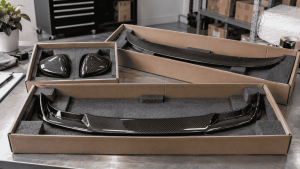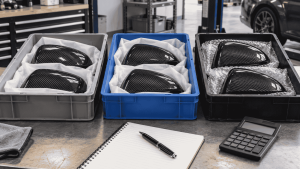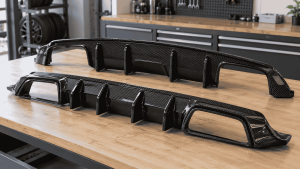
Prepare scan data for a carbon fiber RFQ by explaining what was scanned, its coordinate and unit conventions, the required interfaces and the limitations of the dataset. A large file is not automatically a complete engineering brief. The receiving team needs to understand what the data can support before estimating development work.
For an OEM buyer, the aim is to reduce avoidable clarification and rescanning. Confirm the factory’s accepted formats and intended workflow before paying for final exports or sending sensitive project files.
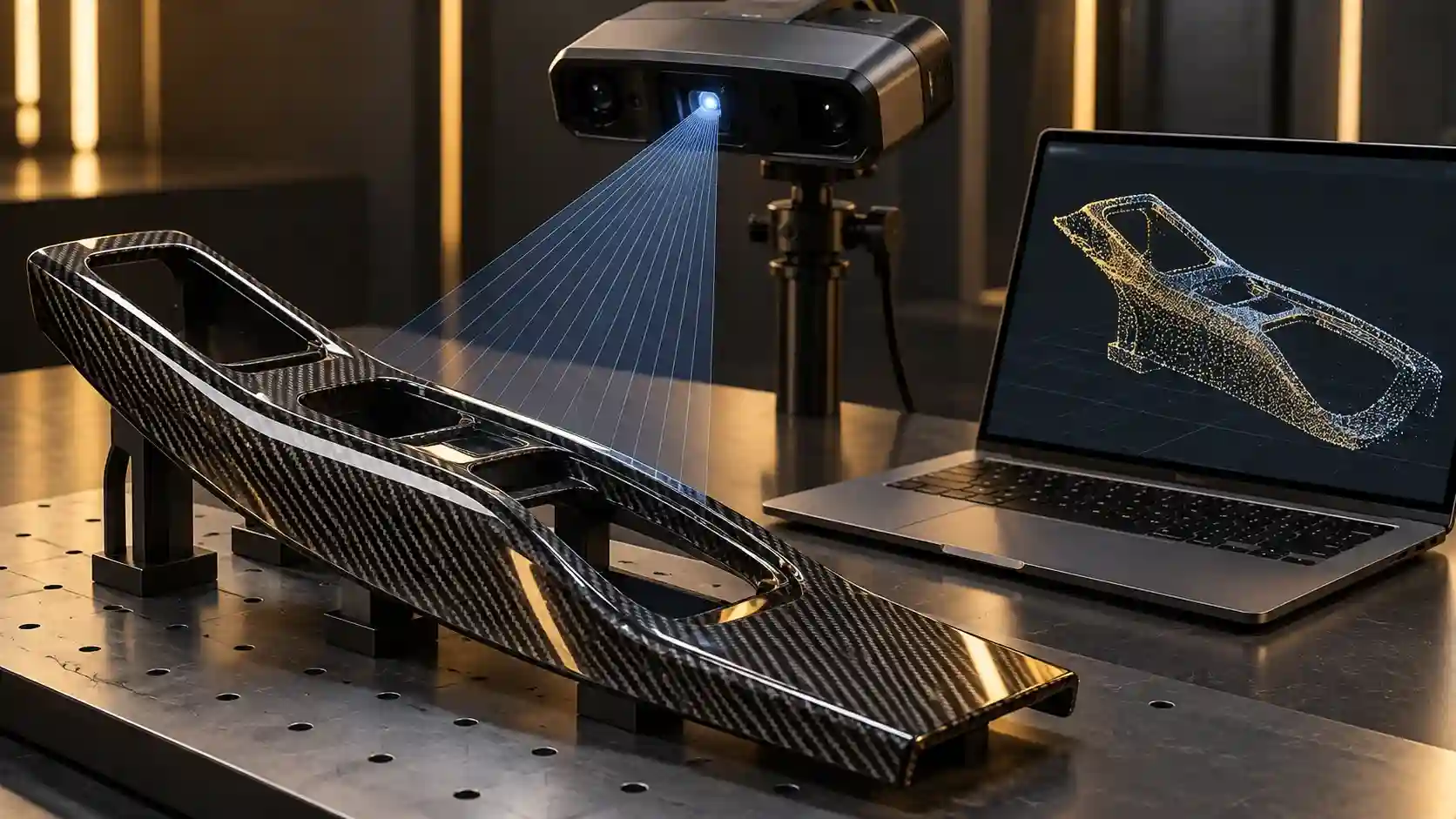
Distinguish a scan from a finished design
A point cloud or mesh records geometry in a particular form; it does not automatically contain the intended mounting design, tolerances or manufacturing requirements. Artec’s reverse-engineering documentation distinguishes scan-related workflows from further CAD work. Ask which deliverable the receiving engineer actually needs.
Do not describe a visual mesh as production-ready CAD without the appropriate review. Likewise, do not assume the factory will perform every reconstruction step within an initial part quotation. Make the data-processing scope explicit.
Send a data handover sheet
| Field | Information to provide |
|---|---|
| Object identity | Vehicle or component reference and relevant configuration |
| File inventory | Names, revisions, formats and purpose of each file |
| Units and orientation | Declared units, axes and agreed datum references |
| Coverage | Surfaces included, missing or obstructed |
| Processing history | Alignment, smoothing, hole filling or other changes |
| Required interfaces | Mounts, edges and mating components to evaluate |
| Quality information | Available measurement and verification records |
Mark the areas that matter
Highlight mounting interfaces, contact surfaces and areas where neighboring equipment constrains the design. If the scan captures only the visible face, explain which underside information is missing. Photographs can help communicate context, but they do not replace missing geometry where engineering requires it.
Identify whether the reference object is damaged, modified or assembled under a particular condition. The engineer needs to know whether a visible deviation is intentional, a property of the sample or a scanning artifact.
Do not invent one universal accuracy requirement for all carbon parts. Ask the engineering team to define what the project needs and how the delivered data should demonstrate suitability. A scanner’s advertised specification alone does not establish the quality of every completed dataset.
Preserve the original and explain edits
Keep raw or original project data where available, and separate it from processed exports. Name revisions consistently. If surfaces have been filled or smoothed, identify that work so inferred geometry is not mistaken for directly captured detail.
Send a small review package first when requested: file inventory, preview images, dimensions for a reasonableness check and the intended use. This can reveal a format or scale problem before transferring a large archive.
Agree the transfer method and who may access the data. Confirm that you are entitled to provide the reference material for the proposed work. Project confidentiality and authorization should be resolved through the applicable agreement rather than assumed from an email attachment.
Close the handover with an acknowledgement
- The receiver can open the files.
- Units, orientation and revision are understood.
- Missing coverage and processing assumptions are recorded.
- The expected engineering deliverable is defined.
- Further data collection has an owner and agreed scope.
A successful file transfer is not the same as acceptance that the data is sufficient. Ask for a technical review before treating an RFQ estimate as a final manufacturing commitment.
An example data-package manifest
Use this record as a buyer working tool. Examples and sample labels below are illustrative, not CCF inspection, order or test records.
| Record | Example or required entry |
|---|---|
| 00-readme | Project purpose, units, orientation, reference object and contact for questions. |
| 01-source / 02-processed | Separate original project data from edited exports; list formats accepted by the receiver. |
| 03-coverage | Annotated views showing measured areas, obstructions and reconstructed regions. |
| 04-interfaces | Known mating features and unresolved geometry requirements. |
These folder names are illustrative, not a required CCF format. Ask the receiving engineer to acknowledge readability and sufficiency separately; a downloaded file is not an approved manufacturing input.
For the connected decisions, use How to Plan a Test-Fit Vehicle Session for a Custom Carbon Fiber Project and How to Specify Mounting Inserts for Custom Carbon Fiber Parts.
Buyer FAQ
Which file format should I send?
Use the format agreed with the receiving engineering team. Do not assume a universal CCF format from this guide.
Does a complete-looking mesh include all mounting details?
Not necessarily. Review coverage and the actual interfaces rather than judging completeness from the rendered appearance.
What should an initial inquiry include?
Send the project purpose, vehicle or component identity, available file types and a coverage summary. Confirm the accepted handover scope before transferring the full dataset.
Confirm the Data Handover Before Sending Large Files
Describe the project, reference object and available file types. Ask which formats and supporting information can be reviewed before transferring the full dataset.
Send an Inquiry
Include this article title, your product reference, vehicle details and the question you need resolved.