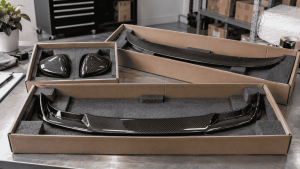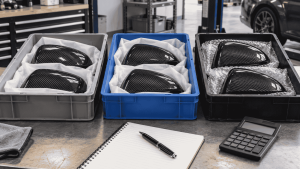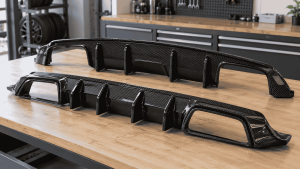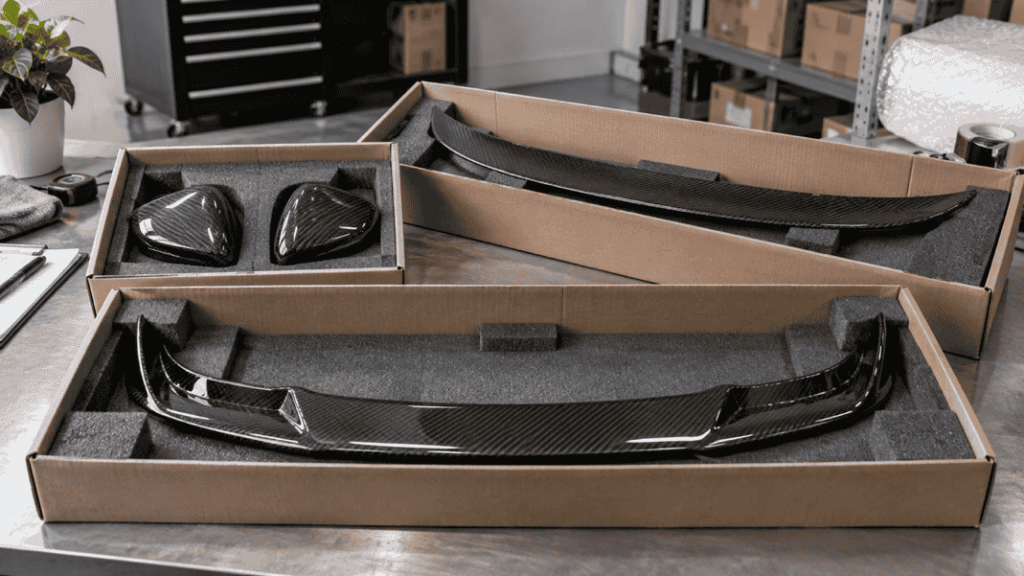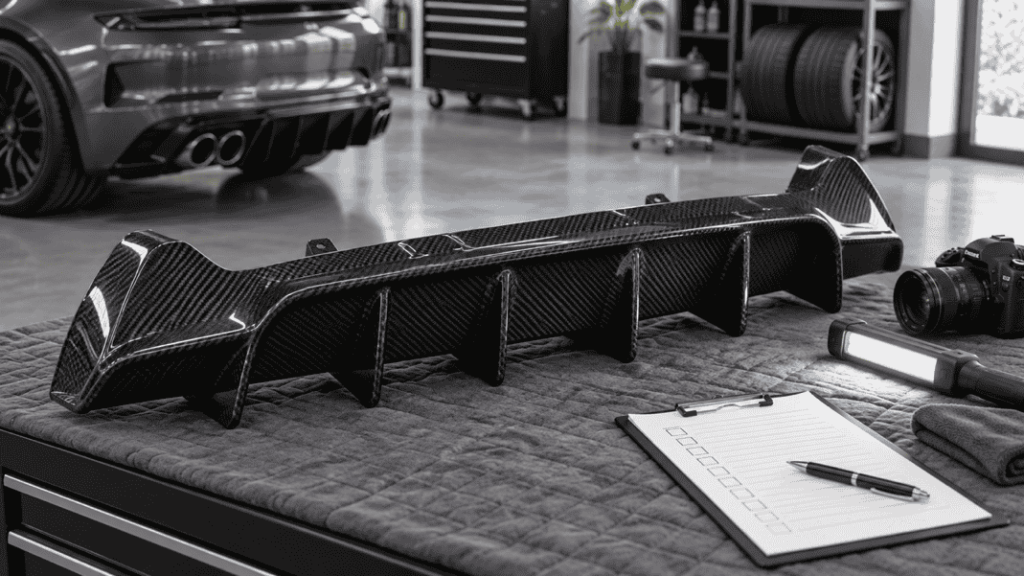
Prevent picking errors by identifying the exact SKU and checking the physical part against the order before packing. A model name such as G80 or G87 is not a sufficient warehouse identifier. Similar styling, different mounting versions and left/right components can all sit behind almost identical descriptions.
An overseas return can cost much more than the time saved by skipping a check. Build a picking workflow that makes the correct choice easy and gives staff a clear stop rule when identity is uncertain.
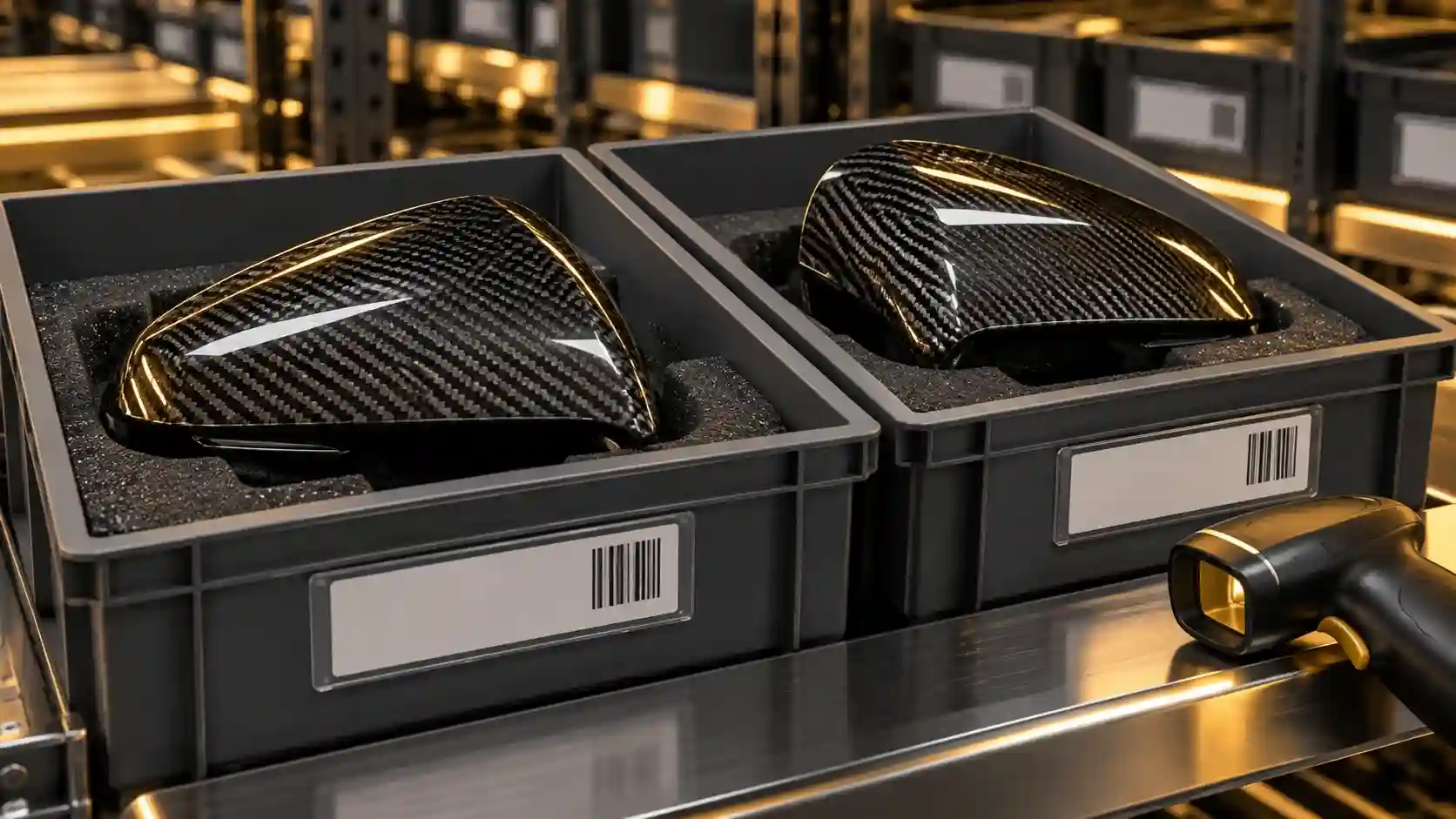
Give each saleable configuration a stable identity
Keep your internal SKU separate from the supplier reference, but maintain a reliable mapping between them. Distinguish finish, version and sales unit where they change what the customer receives. Do not reuse a retired identifier for a different product.
Define left and right consistently using the applicable product convention, and include a reference image when ambiguity is possible. Record whether the sales unit is one piece, a pair or a multi-part set. A correct component can still produce an incorrect shipment if the picker misunderstands the unit.
Use labels that answer the picking questions
| Label field | Purpose |
|---|---|
| Internal SKU and supplier reference | Connect the order to the supplied item |
| Version and finish | Separate similar-looking alternatives |
| Sales unit | Identify single, pair or set |
| Storage location | Guide the picker to the correct bin |
| Reference image or image link | Support a visual identity check |
| Stock status | Keep saleable items separate from holds and returns |
Place labels on packaging or approved tags rather than adhesive directly on a finished surface unless that method has been confirmed suitable. A barcode can speed identification, but it only helps if the data and label match the actual contents.
Separate look-alike products physically
Use distinct locations or clearly divided bins for easily confused versions. Avoid a mixed pile that forces staff to rely on memory. Keep returns and unidentified items out of saleable locations until their status is resolved.
When incoming labels are missing or inconsistent, hold the item for identification. Do not create certainty by choosing the nearest-looking catalog photograph. Escalate to the person responsible for the supplier mapping and document the resolution.
Use a two-stage release check
- At the location: match order SKU, bin label and package identity; confirm quantity and sales unit.
- Before packing: check the actual supplied configuration using the approved handling procedure and reference information.
Where practical, use an independent second check for high-confusion products. If the same person performs both stages, make the second stage a deliberate comparison with the order rather than a repetition from memory.
Do not unnecessarily unpack fragile items just to satisfy a generic rule. Define how identity can be verified while preserving the approved protective packaging. Resolve that method when receiving stock, before a shipment deadline creates pressure.
Give exceptions a visible route
Stop release when the label, photograph or contents disagree. Record the order, SKU, discrepancy and location, then move the item to the appropriate hold status. A shipping deadline does not turn an uncertain item into the correct one.
If a picking error is caught internally, record it as a near miss. Review whether the cause was a similar label, an incorrect mapping, a mixed location or a training gap. Correct the system rather than simply asking staff to “be more careful.”
After a supplier revision, update the reference record and review whether old and new stock need separate identities. Do not overwrite the old image while older units remain in inventory.
An internal label example
Use this record as a buyer working tool. Examples and sample labels below are illustrative, not CCF inspection, order or test records.
| Record | Example or required entry |
|---|---|
| Identity | Internal SKU DEMO-01 / supplier reference to be confirmed / selected finish. |
| Unit | One pair: left piece plus right piece, where that is the actual approved definition. |
| Location and status | Bin A-01 / saleable, or a clearly separate hold status. |
DEMO-01 and A-01 are fictional examples. Scan or read the label against the actual contents and order; a barcode cannot correct a mislabeled item.
For the connected decisions, use How to Decide When to Stop Stocking a Carbon Fiber SKU and How to Choose a 3PL for Carbon Fiber Hoods and Body Kits.
Buyer FAQ
Is a barcode enough?
No. Scanning confirms the encoded identity, not that someone attached the correct label to the correct part.
Should my SKU be the vehicle model?
A model can be part of the description, but it usually does not distinguish the complete saleable configuration.
What should I request from CCF?
Ask for the available product reference list, supplied-unit definitions and packaging identification information for your selected order. Confirm any custom labeling separately.
Clarify Product Identity Before Goods Arrive
Send your selected references and internal labeling needs. Ask for the available SKU, sales-unit and packaging identification information for the order.
Send an Inquiry
Include this article title, your product reference, vehicle details and the question you need resolved.