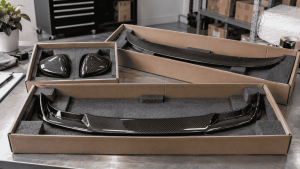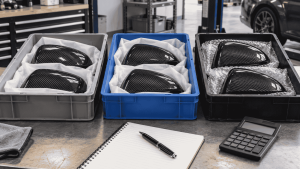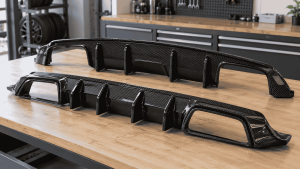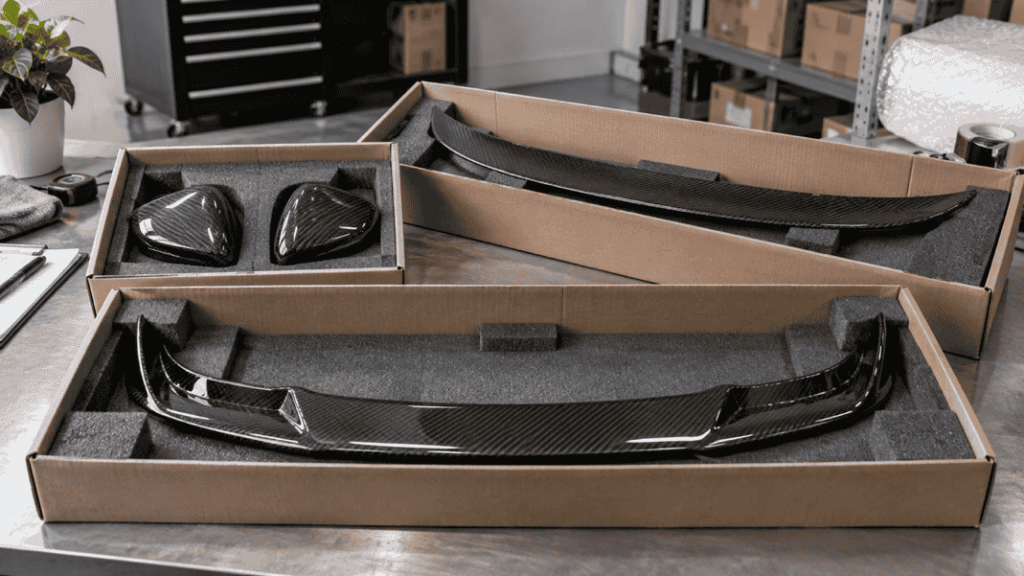
Before using supplier photographs, confirm who can authorize them and which uses are permitted. Receiving an image in a chat does not establish permission to edit it, run paid advertisements or distribute it to your dealers. A short written usage record prevents uncertainty later.
This is a practical media-management workflow. It does not grant rights to any CCF image or replace the actual permission terms for your intended market and use.

Separate access from permission
A supplier may send its own product photography, a customer installation image or material received from another business. Ask which assets the supplier is entitled to authorize and whether additional conditions apply.
The U.S. Copyright Office explains that photographs generally have an author and copyright owner, subject to circumstances such as work made for hire. For your business, the practical step is to obtain permission from the appropriate rights holder or authorized party rather than infer it from possession of the file.
Use a clear permission request
| Scope | What to confirm |
|---|---|
| Assets | Specific files or an identified image pack |
| Channels | Website, marketplaces, social media and paid advertising |
| Editing | Cropping, background changes, text overlays and translations |
| Attribution | Any required credit or watermark treatment |
| Dealer sharing | Whether downstream businesses may receive and use files |
| Duration and territory | Any limits or review conditions |
A concise request can say: “May our company use these identified files on these channels, with these proposed edits, and share them with these dealers?” Keep the answer with the files. If a requested use is unresolved, do not treat silence as approval.
Keep product accuracy alongside usage rights
An authorized photograph may still be unsuitable for a particular listing. Match it to the SKU, finish and supplied contents. A prototype, another bumper version or a customer-modified part should not silently represent a different product.
Keep captions factual. Do not imply that a pictured customer’s vehicle belongs to your shop or that an installation was performed by your team when that is not established. Permission to use an image does not turn its setting into your own case study.
If an edit removes an accessory or changes the visible finish, check whether the resulting image still represents what the customer receives. Avoid using visual editing to conceal relevant product differences or condition.
Organize a controlled image library
- Retain the original file and its source.
- Link it to the relevant product reference and revision.
- Store the permission record and allowed uses.
- Keep edited exports separate from originals.
- Record where important assets are published.
Use filenames that identify the product and view rather than promising unsupported attributes. Write ALT text describing what the image actually shows. Do not put unverified performance claims or customer identities into image metadata.
For customer photographs, review whether visible names, faces, plates or chat details should be included and whether the required permissions cover them. Ask for an appropriately cleared version rather than assuming every detail in a forwarded screenshot is suitable for publication.
Plan for updates and withdrawals
When a product changes, review whether the old photography remains accurate. If usage permission changes or an asset is withdrawn, your publication record should help identify the affected pages and advertisements.
Give dealers the approved files with their usage conditions instead of a mixed folder of originals and drafts. If onward sharing is not permitted, provide another authorized route. This keeps a small ambiguity from spreading across an entire sales network.
Copy this image-permission request
Use this record as a buyer working tool. Examples and sample labels below are illustrative, not CCF inspection, order or test records.
| Record | Example or required entry |
|---|---|
| Files | Please confirm permission for the identified files: ____. |
| Uses | Our company plans to publish on: ____; paid advertising: yes/no; onward dealer sharing: yes/no. |
| Edits | Proposed cropping, overlays, translation or background changes: ____. |
| Conditions | Please state attribution, duration, territory and any other limits that apply. |
Keep the response with the originals. This request does not grant permission by itself, and a supplier cannot authorize rights it does not hold or control.
For the connected decisions, use Best Practices for Training Your Carbon Fiber Parts Sales Team and How to Approve Logos and Badges on Private-Label Carbon Fiber Parts.
Buyer FAQ
Can I remove a watermark?
Only if the applicable permission allows that treatment. Do not assume editing rights from download access.
Can I use supplier photos in paid ads?
Confirm paid advertising explicitly where it is not already covered by the written permission.
Does CCF automatically license every catalog image?
This article makes no such promise. Ask for the current available image pack and usage conditions for your selected products.
Request the Current Product Image Pack
Send your product references and intended publishing channels. Ask which images are available and which usage conditions apply before publishing them.
Send an Inquiry
Include this article title, your product reference, vehicle details and the question you need resolved.