CARBON PARTS WORKSHOP SERIES · 11
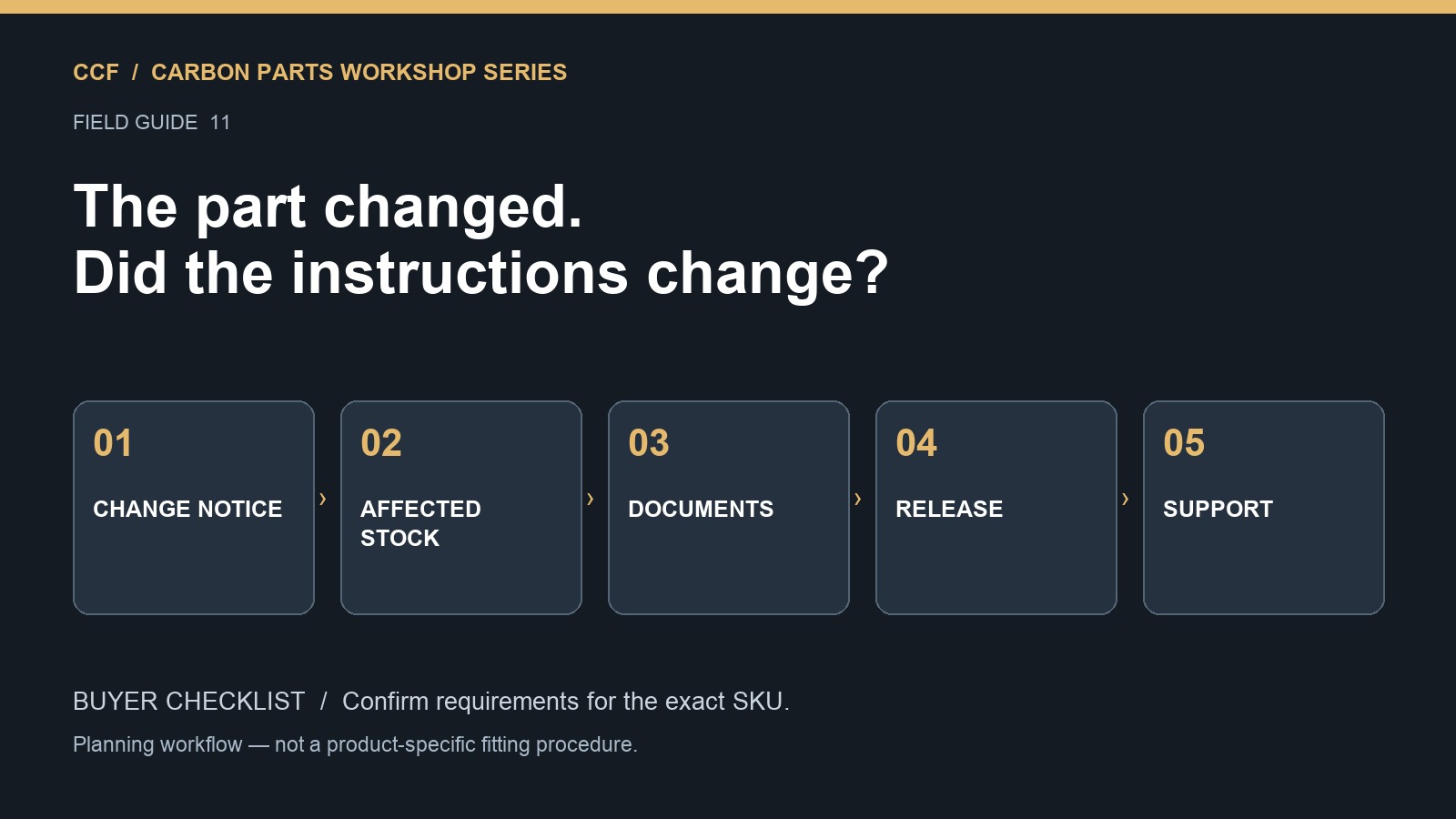
When a carbon parts supplier changes a product, a distributor should establish which stock is affected and which installation information applies before continuing normal dispatch. A familiar product name is not enough to identify the delivered revision. The goal is a traceable connection between the item, its application and its instructions.
This Carbon Parts Workshop Series article provides a suggested internal workflow for dealers. It is not an assertion that every supplier uses a formal revision system or that CCF currently offers every document described below. Agree the available process with the supplier before relying on it.
Distinguish a product change from a document correction
A supplier may change the physical product, the supplied package, the stated application or only the wording of a document. Ask which happened. A new file date does not prove a new part, and an unchanged sales description does not prove the supplied component is unchanged.
Changes worth clarifying include altered mounting details, different included items, revised application information and a new instruction reference. Do not assume any specific technical effect from the fact that a change occurred. Ask the supplier to describe the difference and the affected supply scope.
Create a small identity record for each stock line
Keep the supplier SKU, your dealer code, any supplier revision or batch reference, and the instruction reference together. Where the supplier does not issue a revision number, ask what other identification can reliably distinguish the delivered item. A dated approval record may help internally, but it should not be presented as the manufacturer’s revision code.
The dealer product data framework provides the broader listing record. Add the change history to that record rather than maintaining an unrelated spreadsheet nobody checks during dispatch.
Ask for a change notice with five answers
| Field | Question |
|---|---|
| Identity | Which supplier SKU or product reference is affected? |
| Difference | What changed: product, package, application or documentation? |
| Supply boundary | Which orders, batches or identifiable units are affected? |
| Document association | Which instructions apply to the previous and current items? |
| Required response | What should the dealer or installer do with affected stock or orders? |
Keep an unresolved answer visible. Do not replace it with a guessed cut-off date such as the first day you noticed a new photograph. The supplier’s shipment information and physical identification need to support the boundary.
Separate stock when the application is uncertain
If a change creates an unresolved identity or installation question, separate the affected units from stock cleared for normal dispatch while you clarify it. Record why they are being held and who owns the next action. This is a proposed stock-control practice, not a claim that every document update requires a sales stop.
Once the supplier resolves the question, record the decision and update the relevant instruction association. Where the change concerns a potential safety issue, follow the supplier’s actual corrective guidance and obtain appropriate advice; do not infer the required response from a generic blog checklist.
A document must belong to a product
For example, Turner’s G42/G87 wing instructions identify a particular product application. That is useful documentary context, but it cannot answer whether a different supplier’s new wing revision uses the same system. Keep competitor documents as labeled references rather than attaching them to your own SKU as its installation instructions.
The same principle applies inside one supplier’s range. Similar filenames or styling labels do not establish interchangeability. Ask for a clear association instead of choosing whichever PDF appears most recent.
Control the listing and the shipment together
When application or package information changes, review the public listing, quotation templates, installation pack and warehouse instructions together. Editing the website alone may leave an old attachment circulating in dealer emails. Updating the PDF alone may leave a sales claim that no longer matches the offered package.
Use the dealer listing checklist to review customer-facing statements. Keep the previous record available for support of earlier shipments rather than overwriting every historical reference with the newest version.
Do not mix replacement components without confirmation
Suppose an installer requests a replacement mounting item for a part purchased earlier. Identify the original SKU and available revision or shipment evidence, then ask whether the currently available replacement is compatible. A matching appearance or a shared broad product name is not sufficient.
This is a hypothetical support scenario. If the original identity is uncertain, collect photographs and order information before giving a definitive answer. The fitment evidence checklist helps organize those details without assigning a cause prematurely.
Check incoming repeat orders against the new record
Use the first receipt after a confirmed change to check that the labels, package and supporting information match what was agreed. Do not treat that receiving check as a complete technical validation. Its purpose is to detect discrepancies between the announced change and the delivered order.
The sample inspection framework can support that comparison. Record observed differences separately from supplier-confirmed changes so the two are not confused later.
Dealer questions
Must every revision have a new sales SKU?
Not necessarily. What matters for this workflow is a reliable way to identify affected items and connect them to the applicable information. Agree that method with the supplier.
Should all older stock be discarded?
No automatic conclusion follows from a revision. Establish the change, application and supplier guidance before deciding what action is appropriate.
What if the supplier cannot identify which shipments changed?
Keep that uncertainty explicit and ask what evidence can resolve it. Do not invent a stock boundary to make the records look complete.
Discuss documentation with repeat-order planning
When requesting a repeat CCF quotation, include the previous order reference and ask whether the product, supplied contents or available installation information have changed. Agree how your team can distinguish and support the items supplied before updating your dealer stock record.
Editorial reference check: 18 October 2026. Referenced manufacturer documents apply to their identified products. Confirm CCF SKU requirements separately.